Huawei + HarmonyOS: One OS Across Phone, Tablet, Watch, and Car
Huawei positions HarmonyOS as a distributed OS for every device. In cars, your phone habits carry over: wake-word accuracy at phone level, apps and payments tied to your Huawei ID, Super Desktop brings familiar apps to the center screen, and maps/music/meetings hand off between phone, tablet, and cockpit.

Consistent interaction and ecosystem handoff are the core HarmonyOS cockpit perks.
Models on This Site with HarmonyOS or Huawei Collaboration
The links below come from our /menus directory; each points to a Huawei-aligned cockpit page:
- AITO / Seres: HarmonyOS Cockpit + ADS 2, full-stack Huawei, best for deep ecosystem users.
- Zeekr: Emphasizes multi-screen continuity and advanced driving—great on highway/long trips.
- Voyah: Luxury comfort with strong media experience; family-friendly.
- GWM NEV: Solid local app support and value, good for daily commuting.
- Neta: Covers everyday cockpit needs, ideal as a first EV.
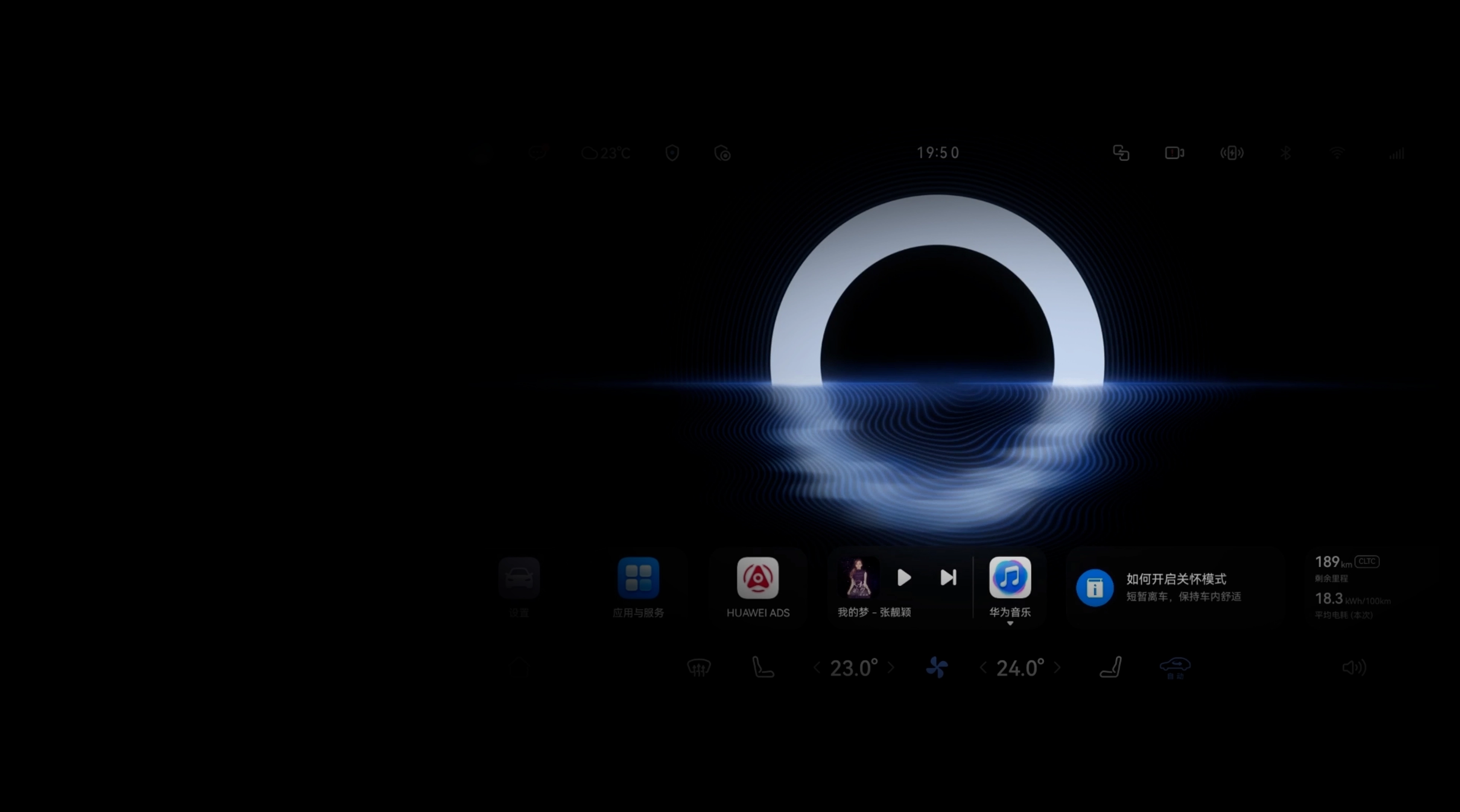
Map from phone to car, then cast to a passenger tablet—multi-screen continuity in action.
What to Test: Interaction, Ecosystem, Driving
Interaction: Try one-shot voice commands (navigation + music + AC), phone-to-car map handoff, and screen casting latency. Check whether gestures/HUD add real value.
Ecosystem: Verify your core apps (navigation, music, video calls, kids content) are well adapted, share membership benefits, and keep accounts in sync.
Driving: Test City NOA/Highway NGP on tight streets, cloverleaf ramps, rain/fog. Note steering/braking smoothness for family comfort.
Buying & OTA Tips
Hardware matters: look at SoC/GPU, memory/storage headroom, and sensing redundancy (LiDAR, radar, camera count/FOV) to ensure room for future ADS upgrades. Before purchase, log in with your Huawei ID, try Super Desktop, in-car payments, and smart-home control (AC/lights). Check official OTA logs and owner feedback to confirm update cadence and stability.
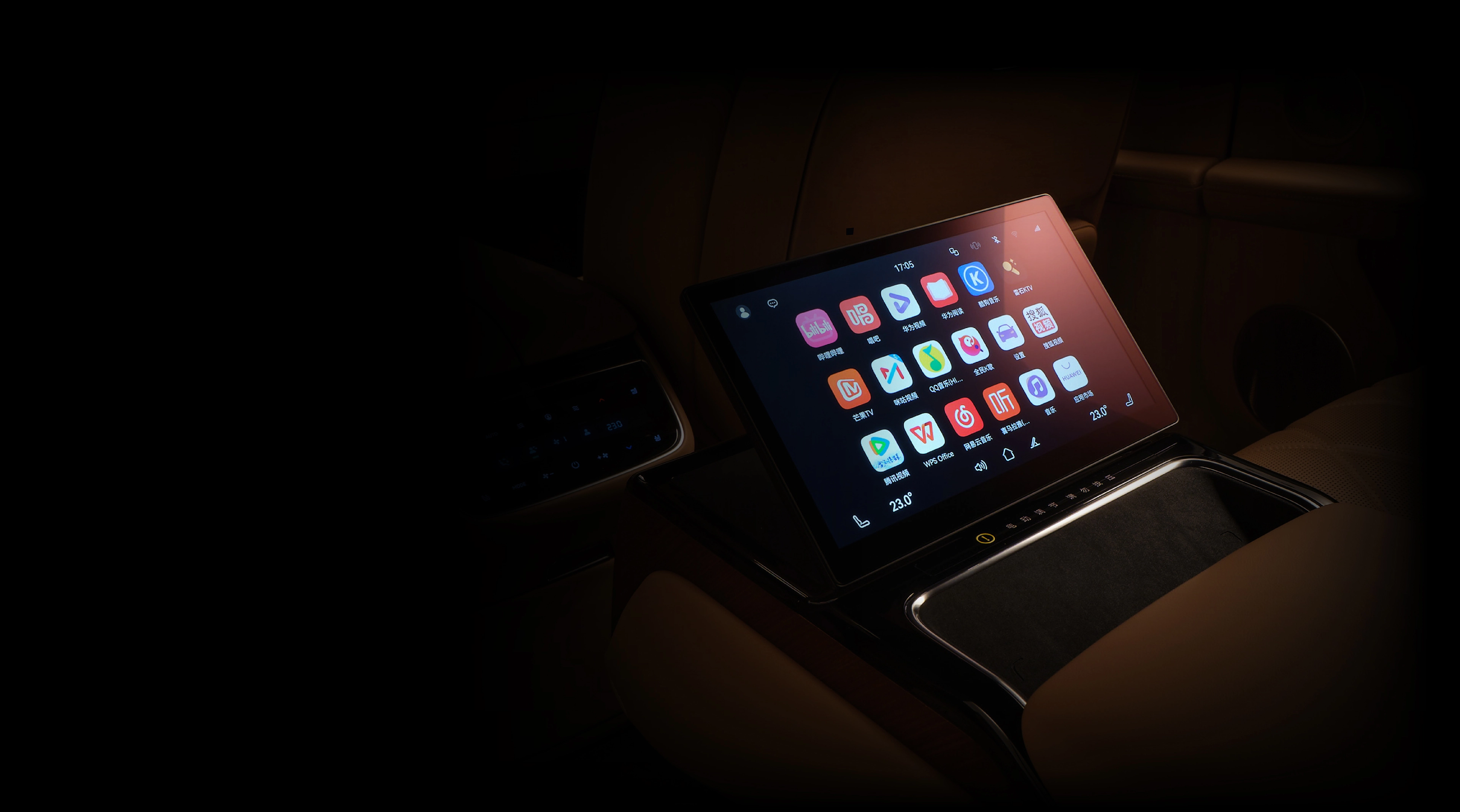
Account unification, payment loop, and home control are the ecosystem advantages.
Usage Checklist
- Bind your Huawei ID and trust the device; set up phone-car trust and navigation handoff first, then save routines/favorites.
- Use a passenger tablet as a second screen for music/AC or map viewing; car hotspot can backfeed the tablet. Download offline maps/music for basements or rural areas.
- Back up personalized settings (seats, ambient lights, nav prefs) before OTA; after updating, retest navigation, media, cameras, and parking.
- Privacy: disable unnecessary always-on mic permissions, clear test accounts; on public Wi-Fi, disable auto-downloads and sensitive sync.
HarmonyOS shines when experience consistency meets scene collaboration. Drive your daily routes, validate voice chains, app handoff, and driver-assist edge cases; then weigh price, range, charging network, and after-sales to choose the best fit.
